 how-to
7 Steps to Request Apartment Maintenance Online
Last Updated: November 4, 2026
Quick Summary
To request maintenance online, log in to your resident portal, open the Maintenance or Service Request tab, and submit a new request with the location, problem, access details, contact number, and photos. Write the problem, not the solution, and call the emergency line first for safety issues.
- Use the password reset link instead of creating a second resident account.
- A short video of 10 to 20 seconds captures problems a still photo misses.
- Most portals cap uploads at roughly 10 to 25 MB per file.
- Emergency tickets are usually answered same day, often within hours.
- Reply through the portal if a ticket sits in Submitted for more than a couple of days.
Table of Contents
- Log In to Your Resident Portal and Find the Request Form
- What to Include in Your Online Maintenance Request
- Emergency Maintenance vs Routine Maintenance: Know the Difference
- Use a Maintenance Request Template to Write a Clear Description
- Upload Photos and Videos to Document the Damage
- Apartment Maintenance Response Time Expectations
- Track Your Maintenance Ticket and Follow Up Without Guessing
- Schedule a Tour at Highpoint Estate Apartments
- Frequently Asked Questions
Log In to Your Resident Portal and Find the Request Form
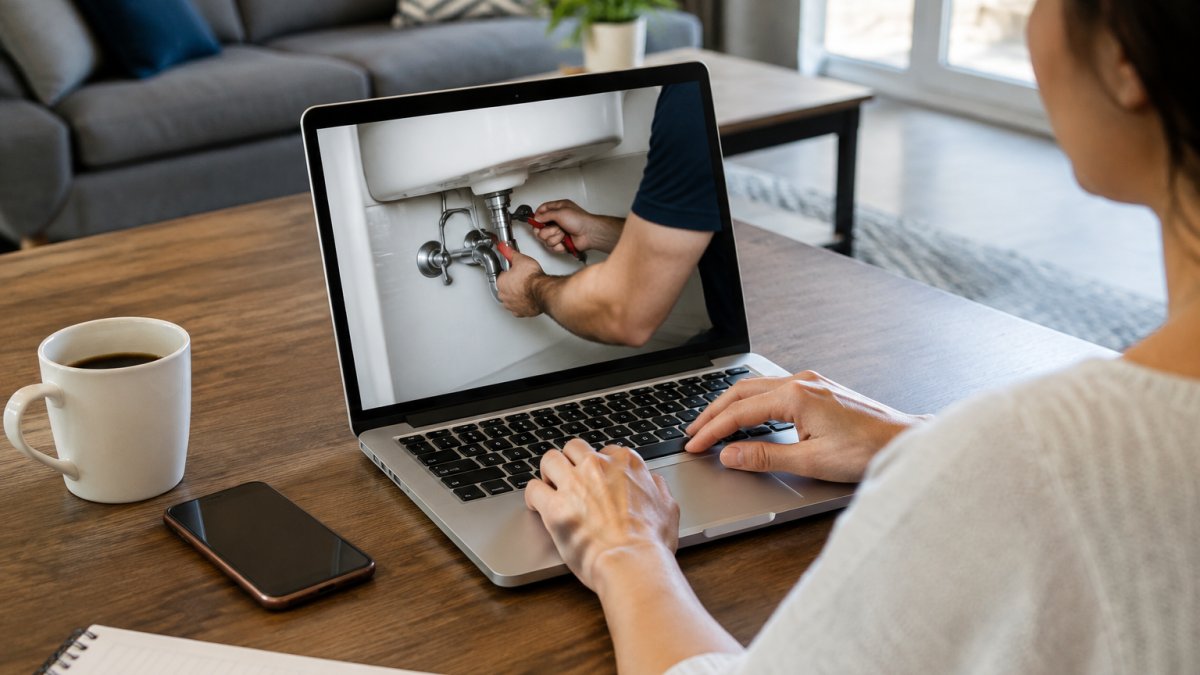
Learning how to request maintenance online starts with one move: log in to your resident portal and find the request form. A repair request should take two minutes, not two phone calls.
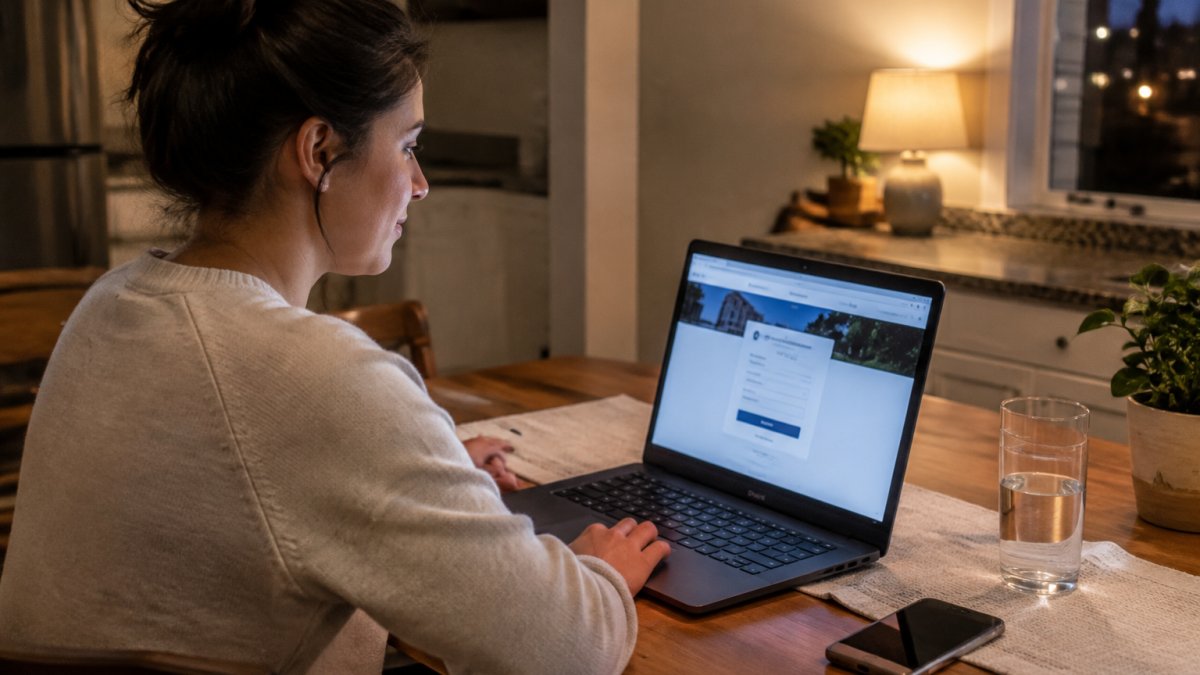
Many resident portals follow a similar layout. Here is a typical path:
- Open your property's website or mobile app.
- Click "Resident Login" and sign in with your resident account.
- Go to the "Maintenance" or "Service Request" tab.
- Select "New Request" and pick the room or area that needs work.
Can't find the form? Check the menu for "Contact Us" or "Work Order." Some systems hide the form one click deeper than you expect.
Watch out: don't create a second resident account if you forget your password. Use the reset link instead. Duplicate accounts split your history and confuse the property management office.
What to Include in Your Online Maintenance Request
A complete request gets fixed faster. Vague requests sit in the queue while staff call you to ask basic questions. Skip that back-and-forth with five details:
- Location: unit number, room, and exact spot (for example, "bathroom sink, under the cabinet").
- Problem: what is broken and when it started.
- Access: whether you will be home, and any gate or pet notes.
- Contact info: a phone number where you answer during the day.
- Photos: attached evidence of the damage.
One rule matters more than the rest. Write the problem, not the solution. "The faucet drips constantly, even when fully closed" beats "replace the faucet." Your maintenance team determines the fix. Your job is to describe what you see.
Also note anything that affects safety, like exposed wiring or a broken lock. Those details help the office set a repair priority before anyone arrives.
Emergency Maintenance vs Routine Maintenance: Know the Difference
Emergency maintenance is a problem that threatens safety or causes active damage right now. Routine maintenance is everything else. Knowing which one you have decides whether you submit a ticket or call after-hours support.
Treat these as emergencies:
- No heat in freezing weather, or no working toilet
- Water leaking that you cannot stop
- Gas smell, smoke, or burning odor
- A broken lock or door that will not secure
- Sparking outlets or exposed wiring
For a true emergency, call the property's emergency line first. Then submit the request online so there is a written record. For a dripping faucet, a sticky window, or a slow drain, use the standard repair request.
A common mistake is labeling everything urgent. When every ticket says "emergency," staff cannot tell which one actually is. Save that word for real danger.
Use a Maintenance Request Template to Write a Clear Description
A maintenance request template is a fill-in-the-blank format that keeps your description short, specific, and easy to act on. Copy this one and save it in your phone notes:
Maintenance Request Template Unit: [number] Location: [room + exact spot] Problem: [what is wrong, in one sentence] Started: [date or "today"] Access: [home / not home / key instructions] Pets: [none / type + where secured] Contact: [phone number] Attachments: [number of photos or video]
Here is a filled example:
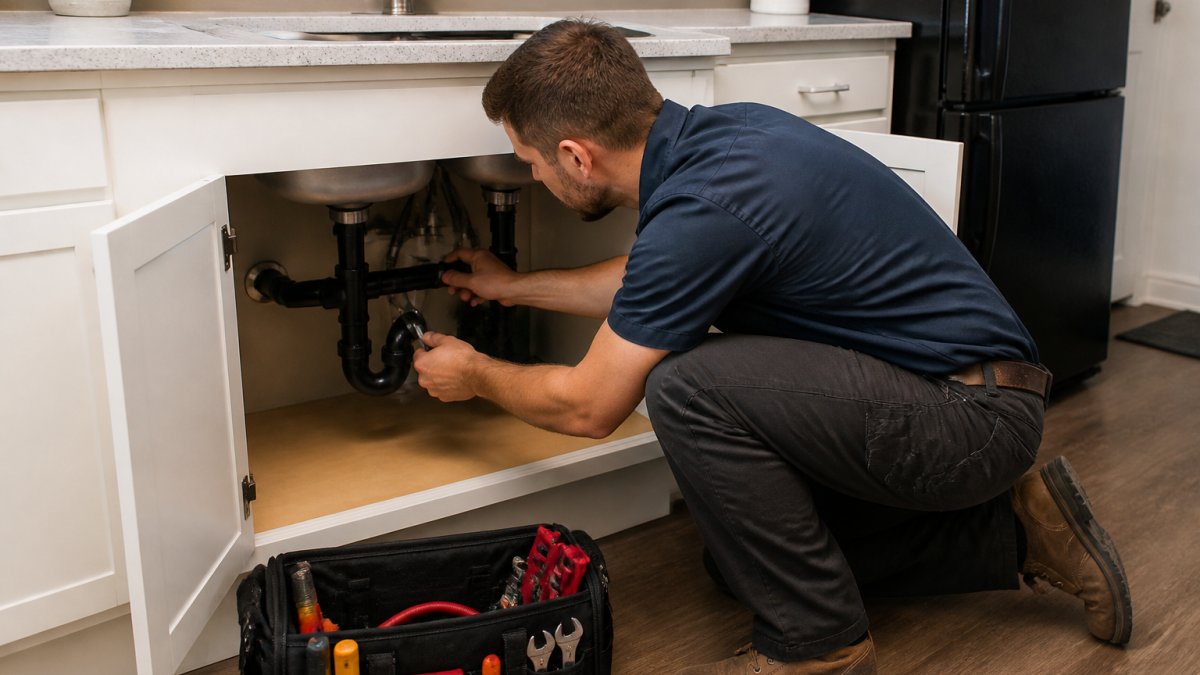
Unit: 12B. Location: kitchen, under the sink. Problem: cabinet floor is wet and water drips from the pipe joint when the tap runs. Started: yesterday. Access: home after 5 p.m. Pets: one dog, crated. Contact: [number]. Attachments: two photos.
That description tells the office the location, the symptom, and when someone can enter. No follow-up call needed. Good documentation is your best protection if a repair takes longer than expected.
Upload Photos and Videos to Document the Damage
Photo evidence speeds up repairs and protects your deposit. A clear photo shows the maintenance team what to bring before they knock. A short video captures things a still image misses, like a drip that only appears when the tap runs. But most guides stop at 'take a picture.' The real skill is building a record that holds up if you ever have to dispute a charge, a delay, or a damage claim.
The Documentation Checklist
Shoot these for every request:
- Wide shot: the whole area, so staff can orient themselves.
- Close-up: the damage itself, in focus and well lit.
- Scale reference: a coin, ruler, or tape measure next to a crack or stain.
- Video: 10 to 20 seconds showing the problem in action, with sound if the issue is a noise or a running tap.
- Context shot: the room from the doorway, so the location is unmistakable.
Then keep these records alongside the images:
- Date and time stamp: most phone cameras embed this in the file metadata. Do not strip it by editing or re-saving the image.
- Ticket number and submission confirmation: screenshot the portal confirmation page the moment it appears.
- A one-line written note: what you saw, when you first noticed it, and whether it was pre-existing at move-in.
- Move-in baseline: if you have photos from your move-in inspection, keep them in the same folder. They are the single best defense against a 'you caused it' charge at move-out.
Why This Matters for Your Deposit
A common pattern in deposit disputes is that the landlord's move-out photos show damage, and the tenant has no earlier images to prove the damage predated the tenancy or was reported and ignored.
Watch out: do not delete photos from your phone after uploading them to the portal. Portals change vendors, accounts get closed at move-out, and files can be lost. Keep your own copy in a folder outside the portal, backed up to cloud storage or emailed to yourself.
Upload Mechanics That Save You a Call
Most portals cap file size, often around 10 to 25 MB per file. If your video will not upload, trim it to a few seconds, lower the resolution, or take a photo instead. Name your files clearly before uploading, for example unit12B-kitchen-sink-leak-2026-11-04.jpg, so staff can identify them without opening each one. If the portal has a notes field, paste your one-line description there too. The submission still counts even if the video fails; the written ticket and photos are the core record.
Apartment Maintenance Response Time Expectations
Apartment maintenance response time expectations vary by urgency, not by wishful thinking. Property management teams commonly sort tickets into priority tiers:
| Priority | Typical Examples | Usual Response |
|---|---|---|
| Emergency | No heat, flooding, gas smell, broken lock | Same day, often within hours |
| Urgent | No hot water, appliance down, active leak contained | Within 1-2 business days |
| Routine | Dripping faucet, cosmetic damage, slow drain | Scheduled within several business days |
Your lease and state law set the actual rules. Most states require landlords to make repairs within a reasonable time, and many set firm deadlines for problems that affect health and safety. Repair deadlines vary by state and sometimes by city ordinance.
Watch out: a portal's automated 'received' status is not the same as a legal notice to repair. If your lease or state law requires written notice to the landlord, a portal ticket may not satisfy that requirement. Send a follow-up email or certified letter that references the ticket number and the date you submitted it.
What to Do If Repairs Are Ignored
Most guides stop at 'follow up.' That is where tenants actually get stuck. Here is a practical escalation path that creates a paper trail without burning the relationship:
- Day 1 after the window passes: Reply through the portal. Reference the ticket number, restate the problem in one line, and ask for a status update and a scheduled date.
- Day 3-5: Send an email to the property management office and copy yourself. State the date of the original request, the ticket number, the missed window, and the impact (for example, 'no hot water for six days'). Attach your photos.
- Day 7-10: Send a written notice by certified mail with return receipt. Keep it factual: dates, ticket numbers, the repair needed, and a reasonable deadline. This is the document a court or housing agency will look at first.
- Beyond the statutory window: Contact your local code enforcement or housing authority. Many cities treat no heat, no water, or a sewage leak as an immediate health hazard and will inspect on a short timeline.
- Last resort: Some states allow tenants to repair and deduct, withhold rent, or terminate the lease when a landlord fails to make a habitable repair. These remedies are state-specific and have strict notice requirements. Do not use them without reading your state's statute or talking to a tenant rights organization.
A common pattern is that landlords respond faster to a certified letter than to a portal ticket, because the letter creates a dated legal record. Keep every confirmation, photo, and reply in one folder. If the dispute ever escalates, that folder is your case.
Track Your Maintenance Ticket and Follow Up Without Guessing
Every online submission generates a maintenance ticket with a status. Use it. Status tracking turns "did anyone see my request?" into a fact you can check.
Typical statuses look like this:
- Submitted: received by the automated system, not yet assigned.
- Assigned: a technician or vendor owns the work order.
- In progress: someone is working on it.
- Completed: the job is closed.
Check the ticket before you call. If it has sat in "Submitted" for more than a couple of days, reply through the portal or email the property management office. Reference the ticket number, restate the problem in one line, and ask for a status update.
The thing nobody tells you about portals: staff can see every note you add, so keep them short and factual. A calm, specific message moves faster than a frustrated one.
Schedule a Tour at Highpoint Estate Apartments
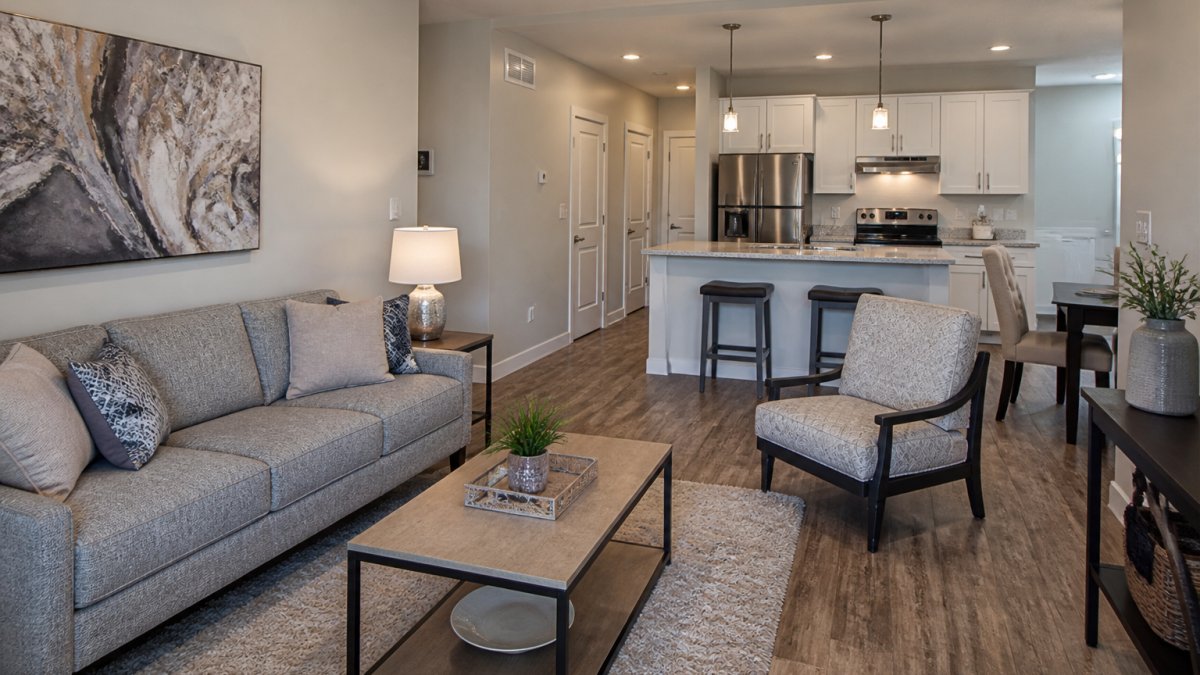
Responsive maintenance starts with a management team that takes requests seriously. Highpoint Estate Apartments offers renovated 1 and 2 bedroom apartment homes near Fort Sill, with a straightforward leasing process.
Residents can submit requests through an online system. If you are relocating or looking for a straightforward leasing process, we invite you to visit.
Best for: military personnel, Fort Sill employees, and budget-conscious renters who want reliable maintenance and honest communication.
Schedule a tour at Highpoint Estate Apartments and see the community for yourself. Bring your questions about maintenance, pets, and lease terms.
Frequently Asked Questions
How do I make a maintenance request online?
Log in to your resident portal or tenant app, choose the maintenance or service request option, and fill out the form. Describe the problem, upload photos if you can, and note your access preferences. Submit the request and save the confirmation number. If your landlord uses email instead of a portal, send the same details to the property management office and keep a copy.
What information should I include in an online maintenance request?
Include your name, unit number, phone number, and a clear description of the problem. Note when it started, whether it is getting worse, and any access instructions. Attach photos or a short video. State whether it is an emergency or routine issue. A maintenance request template with these fields helps you avoid back-and-forth and gets your repair priority set correctly.
What is the difference between a routine and emergency maintenance request?
Emergency maintenance covers issues that threaten safety or cause major damage, such as a burst pipe, no heat in freezing weather, gas smell, or a broken lock. Routine maintenance covers leaky faucets, slow drains, cosmetic damage, and appliance issues that can wait. For emergencies, contact the property office immediately instead of relying only on an online form.
Can I track the status of my maintenance request online?
Some resident portals offer a way to check the status of a maintenance request. Check the portal before calling for an update. If your landlord uses email, reply to your submission confirmation to ask for an update. Keep your request number handy and follow up after the expected response window if you have not heard back.
Ready to stop chasing repairs? Get started with Highpoint Estate Apartments and move into a home where your maintenance request gets a real response.